
The Iron Curtain of Personal Tech: A Comprehensive Guide to Apple’s Lockdown Mode
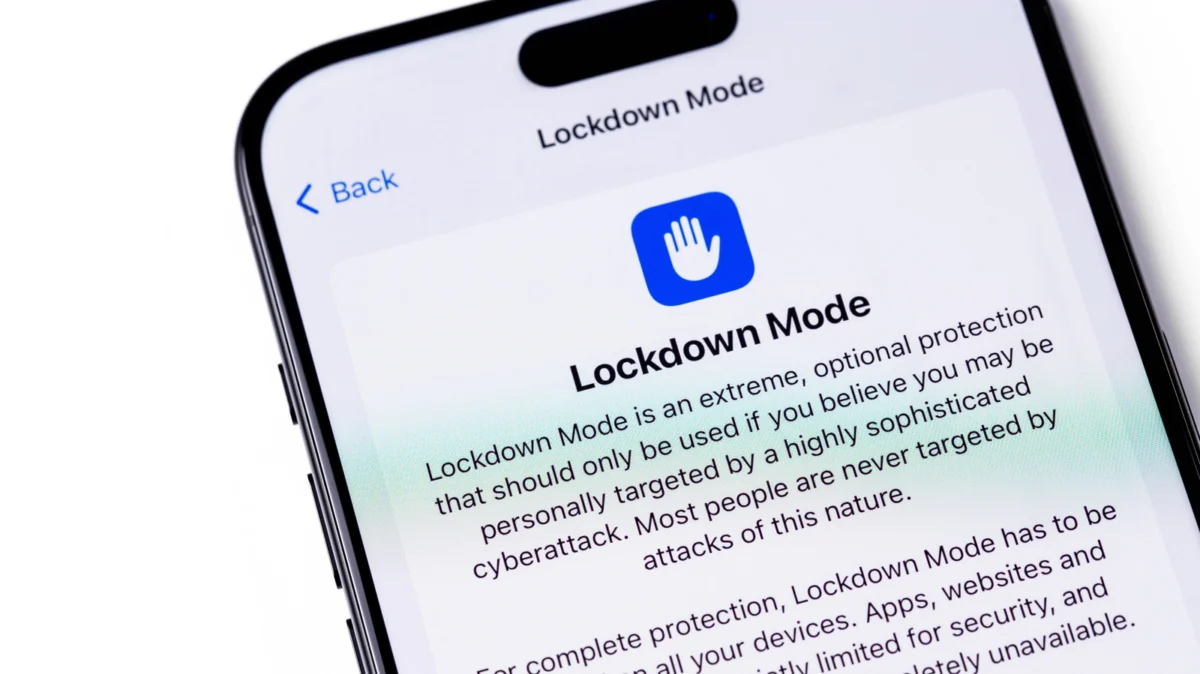
In an era where digital surveillance has transitioned from the realm of science fiction to a pervasive global reality, Apple’s "Lockdown Mode" stands as a digital fortress. Introduced in 2022, this feature represents an unprecedented shift in consumer technology: the decision to prioritize absolute security over the seamless, high-functionality user experience that has defined the iPhone since its inception.
While most users navigate their digital lives with the expectation of constant connectivity, rich media, and effortless integration, Lockdown Mode intentionally dismantles these conveniences. It is an "extreme" security posture designed not for the average user, but for the high-value target—the journalist, the political dissident, and the human rights activist—who finds themselves in the crosshairs of sophisticated, state-sponsored cyber-espionage.
The Genesis of a Digital Shield: A Chronology of Necessity
The impetus for Lockdown Mode was not a theoretical exercise in paranoia, but a direct response to the proliferation of commercial spyware. The most notable catalyst in this evolution was the rise of NSO Group’s Pegasus spyware.
- 2016–2020: The Rise of Zero-Click Exploits: Security researchers began identifying sophisticated "zero-click" attacks—infections that required no interaction from the user—that could silently compromise iPhones. These attacks often leveraged vulnerabilities in iMessage to gain deep, persistent access to the device’s microphone, camera, and private data.
- July 2022: The Official Rollout: Apple officially introduced Lockdown Mode as part of the iOS 16, iPadOS 16, and macOS Ventura announcements. It was positioned as the first consumer-facing feature specifically engineered to counter the "mercenary" spyware industry.
- September 2023: The "Blastpass" Validation: A significant turning point occurred when researchers identified the "Blastpass" exploit. This sophisticated chain of code was used to deploy Pegasus by sending malicious images via iMessage. Crucially, devices with Lockdown Mode enabled were found to be completely immune to the attack, serving as a real-world validation of the feature’s efficacy.
- 2024 and Beyond: Expanding the Perimeter: Apple has continued to iterate on the feature, expanding its availability across the Apple Watch (watchOS 10) and further hardening the system against emerging attack vectors, while simultaneously increasing its bug bounty incentives to ensure the feature remains ahead of the curve.
Deconstructing the Fortress: What Lockdown Mode Disables
To understand why Lockdown Mode is so effective, one must understand what it sacrifices. By closing the "attack surface"—the various pathways a hacker might use to breach a device—Apple effectively neuters the very technologies that make modern smartphones useful.
1. The Communication Lockdown
When activated, the messaging experience is stripped to its bare bones. Most attachments in Messages are blocked, and link previews are disabled to prevent hidden code from executing in the background. FaceTime calls are similarly restricted; the device will only accept incoming calls from individuals the user has already contacted, preventing random attackers from initiating a connection that could trigger an exploit.
2. Browser Hardening
The Safari web browser is perhaps the most common entry point for malware. Lockdown Mode restricts the use of complex web technologies, such as Just-In-Time (JIT) JavaScript compilation. While this makes many modern websites feel sluggish or prevents them from loading entirely, it removes the primary mechanism by which drive-by downloads and remote code execution attacks occur.
3. Connectivity and Peripheral Restrictions
When the device is locked, its ability to communicate with external hardware is severed. It will not establish a wired connection with a computer or unauthorized accessory unless the user provides their passcode. Furthermore, the device disables support for outdated, insecure network protocols like 2G, which are frequently exploited in "stingray" devices used to intercept mobile traffic.
4. System-Level Restrictions
Lockdown Mode forbids the installation of configuration profiles, a common tool used by corporate IT departments to manage mobile fleets, but also a tool used by attackers to force devices to connect to malicious servers. Additionally, home invitations and Shared Albums are blocked to prevent social engineering attacks.
The Security Paradox: The Price of Protection
Apple’s approach to Lockdown Mode is rooted in the "security versus convenience" trade-off. By intentionally degrading the user experience, the device becomes a "hard target."
From a technical perspective, the effectiveness of the feature is underscored by Apple’s financial commitment. The company offers a 100% bonus—up to $2 million—to any security researcher who can successfully bypass the protections of Lockdown Mode. This demonstrates an immense level of institutional confidence. Apple is essentially inviting the world’s best hackers to break their most secure mode, and thus far, the system has held remarkably firm.
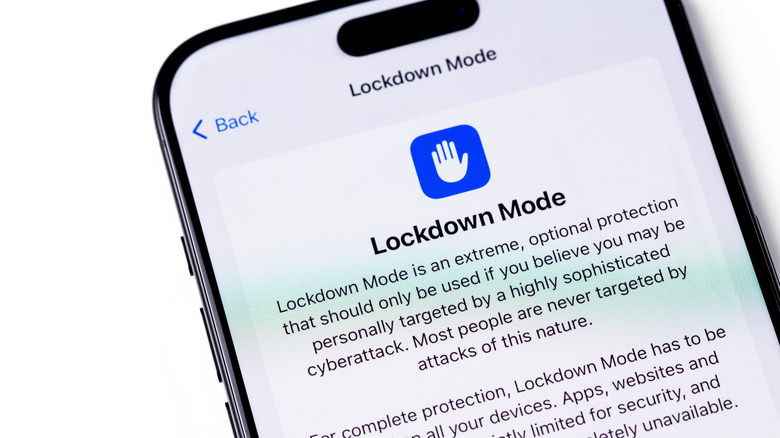
However, the implications for the average user are significant. Enabling Lockdown Mode transforms a high-end, multi-purpose computer into a restricted communications device. For the average individual, the loss of features—such as photo sharing, seamless web browsing, and Apple Watch integration—is a massive inconvenience that outweighs the perceived benefit.
Who Should Actually Use This?
The question of "who needs this" is central to the conversation surrounding Lockdown Mode. The reality is that for 99.9% of users, the native security features of iOS—such as Advanced Data Protection, standard encryption, and regular OS updates—are more than sufficient.
Lockdown Mode is designed for a specific threat model: the "mercenary spyware" model. This is where a government or a high-funded private entity targets a specific individual. If you are a journalist working in a high-risk region, a human rights activist, or an individual involved in sensitive political negotiations, you may indeed be a target.
Apple has further bolstered this by introducing a notification system. If the company detects that your device has been targeted by a state-sponsored attack, it will send a threat notification to your Apple ID. If you receive such a notification, that is the clear, unambiguous signal that it is time to enable Lockdown Mode.
The Future of Defensive Computing
The existence of Lockdown Mode is a sobering reminder of the current state of cybersecurity. It is a tacit admission that even the most advanced operating systems have inherent, unpatchable vulnerabilities that can be exploited by those with enough resources.
As cyber-espionage tools become more accessible, the divide between "standard" users and "at-risk" users will likely grow. Apple’s strategy of providing a specialized, high-security mode is a model that other tech giants are watching closely. It suggests that as we move deeper into the 21st century, our devices will need to have a "civilian" mode and a "combat" mode.
Final Considerations for the User
If you are curious about the feature, you can toggle it on in Settings > Privacy & Security > Lockdown Mode. The process requires a device restart and is just as easily reversible. While you might find the restrictions frustrating, testing the mode can provide a valuable lesson in how much data and connectivity we take for granted.
Ultimately, Lockdown Mode is a testament to the fact that while technology can empower us, it also exposes us. Whether or not you choose to utilize this digital iron curtain depends entirely on your risk profile. For most, the best security remains basic digital hygiene: keeping software updated, using strong, unique passwords, and maintaining a healthy dose of skepticism toward unsolicited messages. But for the few who live under the constant shadow of sophisticated surveillance, Lockdown Mode is the difference between a private life and a compromised one.
