
Beyond the Recycling Bin: Transforming Your Vintage Digital Camera into a High-End Webcam
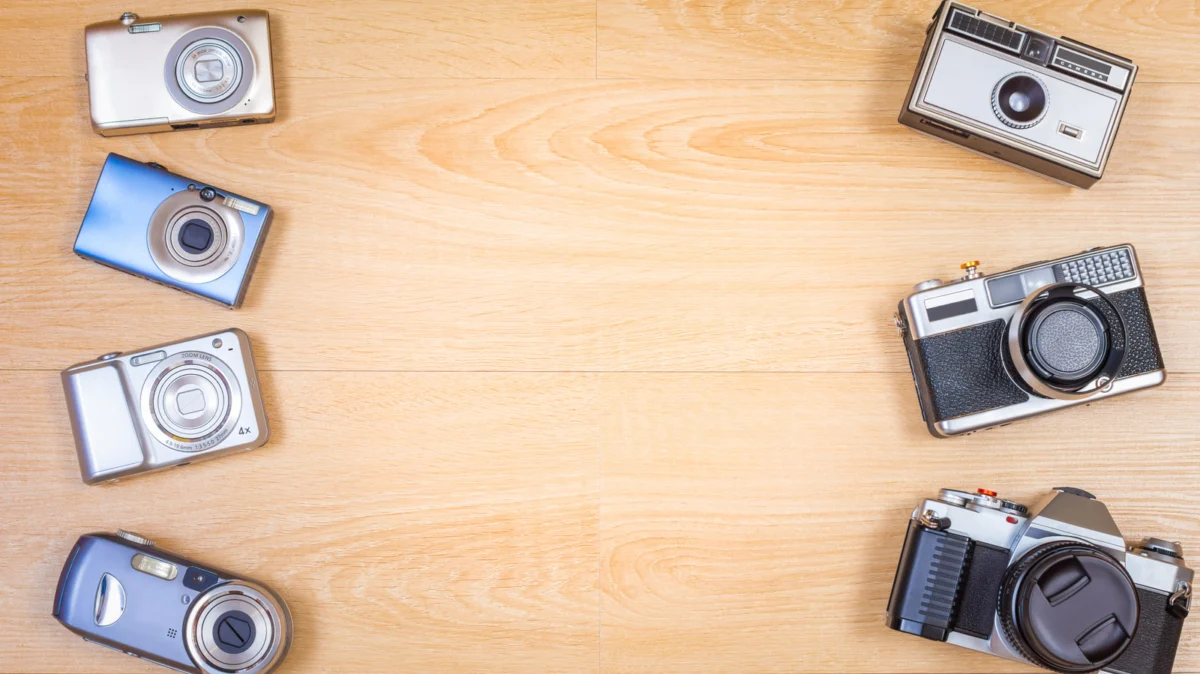
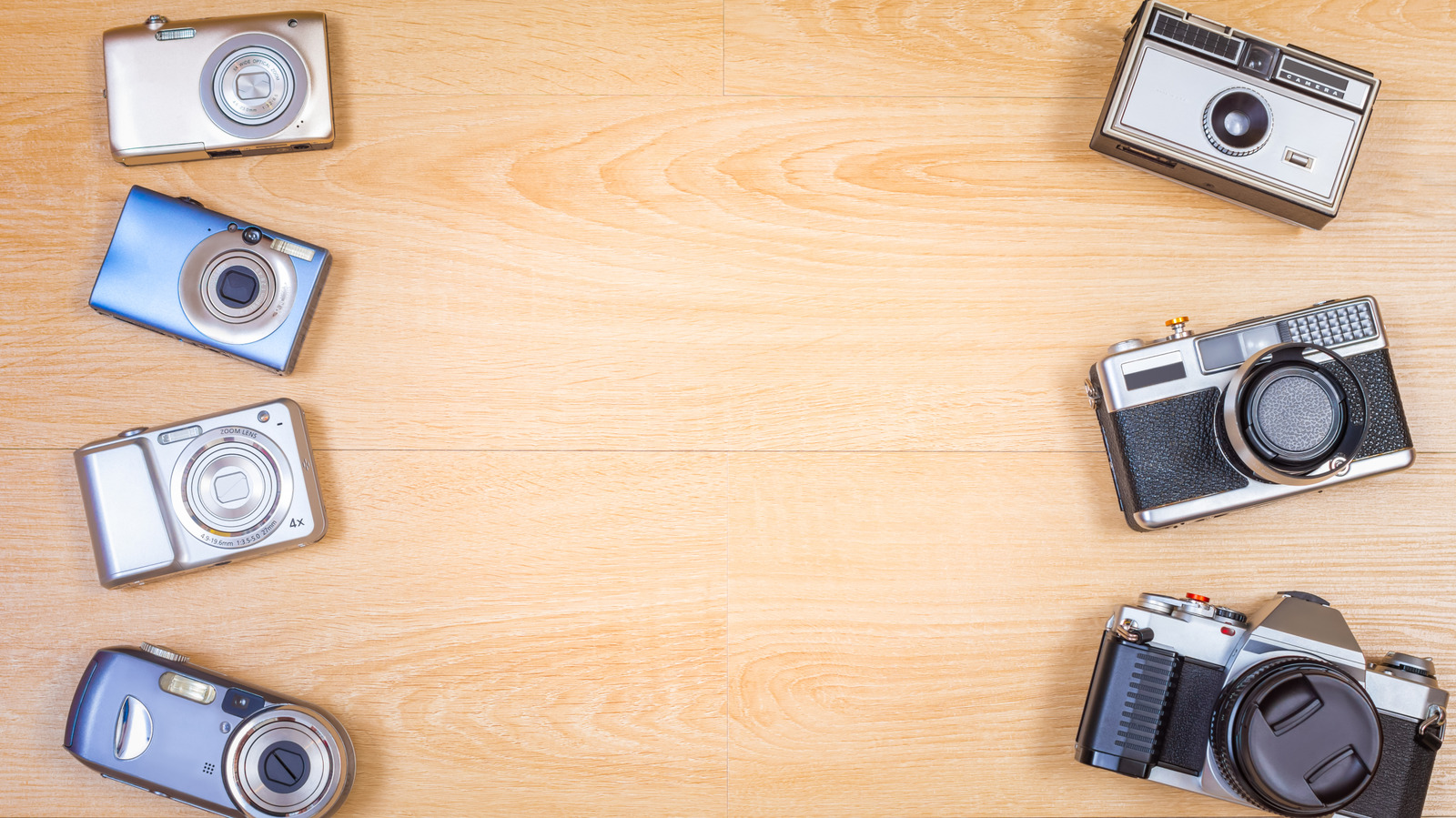
In an era defined by the sleek, often sterile aesthetic of high-definition laptop webcams, a surprising trend has emerged: the resurrection of the “retro” digital camera. What was once considered e-waste—a dusty DSLR shoved into the back of a closet or a compact point-and-shoot languishing in a junk drawer—is now being viewed as a goldmine for professional-grade video conferencing.
As remote work remains a permanent fixture of the modern professional landscape, the quest for a crisp, flattering image has intensified. While manufacturers race to improve internal sensors in ultrabooks, the physics of a large camera sensor and a dedicated lens remain unmatched. Before you consign your old gear to a recycling bin, consider the possibilities of repurposing that hardware to elevate your next video call.
The Main Facts: Why Old Tech Still Matters
The resurgence of early-2000s and early-2010s digital cameras—affectionately dubbed "digicams"—is not merely a fashion statement driven by TikTok nostalgia. According to data from the Camera & Imaging Products Association (CIPA), shipments of built-in-lens digital cameras surged by 29.6 percent in 2025, reaching approximately 2.44 million units. Projections for 2026 suggest a further 13.6 percent increase.
While CIPA notes that this growth is multifaceted, it highlights a broader shift: consumers are realizing that modern software-based image processing, which relies heavily on AI to create artificial background blur (bokeh) and enhance low-light performance, often pales in comparison to the optical reality provided by a physical sensor and glass lens. By repurposing an older mirrorless camera or DSLR, users can achieve genuine depth-of-field, superior dynamic range, and the tactile control of manual focus and aperture settings.
Chronology of the Webcam Revolution
The transformation of the digital camera from a static photography tool to a live-streaming asset didn’t happen overnight.
- The Early Days (2010–2018): For years, using a camera as a webcam was the domain of professional streamers and tech enthusiasts. It required complex "capture cards" and expensive proprietary software, often resulting in "dirty" feeds that included camera overlays like battery indicators or autofocus brackets.
- The Pandemic Catalyst (2020): When the global lockdowns forced the world into virtual meetings, the demand for high-quality video spiked. Camera manufacturers, sensing a shift, began releasing "Webcam Utility" software. This software allowed users to bypass expensive hardware, enabling a simple USB connection to turn a camera into a high-quality video source.
- The Post-Pandemic Normal (2023–2025): The "Retro Digicam" trend took hold. Users began hunting for CCD-sensor-based cameras for their unique aesthetic, while others realized their old DSLRs could provide better video quality than a $150 dedicated webcam.
- The Current Landscape (2026): We now live in an ecosystem where device interoperability is the standard. Apple’s Continuity Camera and Microsoft’s integration of Android devices have made mobile phones the primary competitor to the "vintage camera as webcam" movement.
Supporting Data: Performance vs. Cost
When deciding whether to convert your vintage camera, it is vital to weigh performance against the hidden costs of accessories.
The USB Advantage
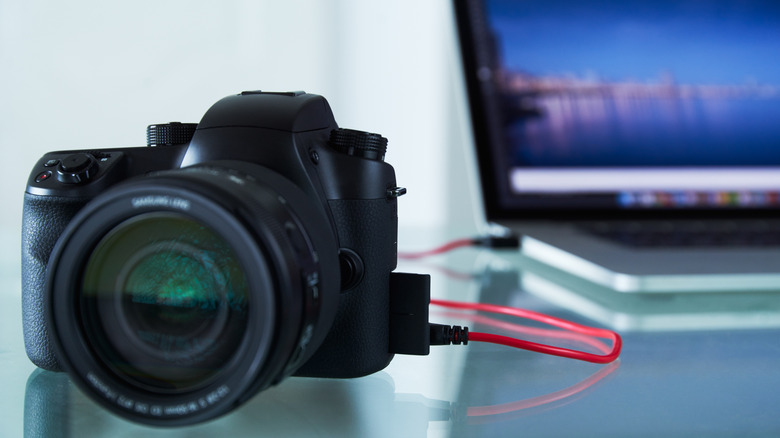
For many, the setup is plug-and-play. Manufacturers like Canon (with its Webcam Utility), Nikon (Webcam Utility), and Sony (Imaging Edge Webcam) have cataloged compatible devices. If your camera is on the list, the process is straightforward: connect a high-quality USB data cable, select the camera in your video conferencing software (Zoom, Teams, Google Meet), and you are ready.
However, data indicates that size does not always equal sharpness. Many older Nikon DSLRs, for instance, output only the VGA portion of their live-view display, which may result in a lower-resolution feed than a modern, dedicated 2K webcam. The trade-off is often better color science and superior low-light handling, which many users find more pleasing than the "harsh" sharpness of a budget webcam.
The HDMI Barrier
If your camera lacks USB webcam support, you are forced into the realm of HDMI capture devices. This is where the budget often blows up. A quality capture card, such as the Elgato Cam Link 4K, retails for roughly $100. When you add the cost of a micro-HDMI-to-HDMI cable, a tripod or desk mount, and potentially a "dummy battery" (a power adapter that replaces the camera battery for long-term use), you are suddenly spending upwards of $150–$200.
Given that a high-end, dedicated 2K webcam like the Anker PowerConf C200 costs around $60 and includes integrated microphones, the decision to repurpose an old camera must be based on a genuine desire for professional optical quality rather than mere frugality.
Official Responses and Industry Outlook
Industry experts from organizations like B&H Photo Video have noted a significant shift in the secondary market. The "digicam" trend has drastically inflated the prices of older equipment. A Canon PowerShot S95, which could have been purchased for roughly $130 in 2023, saw its average market value climb to over $400 by 2026.
Manufacturers have largely responded by focusing their software efforts on newer hardware, leaving owners of decade-old cameras to rely on community-driven drivers and workarounds. While official support for legacy products is rare, the sheer volume of "how-to" documentation created by users has created a robust unofficial support network.
Implications for the Modern User
The decision to repurpose an old camera carries several long-term implications that users should consider:
1. Battery Health and Overheating
Vintage cameras were never designed to run for eight hours a day in "Live View" mode. Most were intended to capture short clips or static images. Long-term use in a meeting environment can lead to overheating or rapid battery degradation. Investing in an AC power adapter (dummy battery) is not just a convenience; it is a necessity for the longevity of the device.
2. Audio Considerations
It is critical to remember that most webcam utility software does not transmit audio from the camera’s internal microphone to the computer. Users must be prepared to use their laptop’s internal mic, a dedicated headset, or a professional-grade USB microphone. Relying on the camera for both video and audio is rarely a viable strategy with older models.
3. The "Clean" Feed Requirement
For those utilizing HDMI, the quest for a "clean" feed—one without exposure grids, recording dots, or battery warnings—is the final hurdle. Some older cameras simply do not offer a "clean HDMI out" feature. Before investing in a capture card, users must verify that their specific model supports this, or they will be left with a professional feed that is perpetually cluttered with UI elements.
4. Resale Value vs. Utility
Before you start buying expensive mounts and capture cards, check the current resale market. If your vintage camera is a highly sought-after model by the current "retro" photography crowd, you might be better off selling the camera for a profit and using those funds to purchase a modern, purpose-built 4K webcam. The nostalgia of the vintage camera is powerful, but the ease of use offered by modern, dedicated hardware is often the more pragmatic choice for a busy professional.
Conclusion: A Thoughtful Approach
Repurposing your old digital camera is an excellent way to reduce e-waste while simultaneously improving your virtual presence. It is a project that rewards patience and technical curiosity. However, it is not a "free" upgrade. Between the need for external power, potential capture hardware, and the opportunity cost of selling a high-value vintage item, users must approach the transition with a clear understanding of their needs.
If you value the unique bokeh, color science, and optical depth that only a real camera can provide, the effort is well worth it. You will not only be joining a growing community of enthusiasts who appreciate the craft of optics, but you will also be ensuring that your old gear continues to provide value in a digital world that is increasingly defined by the quality of our pixels. Before you throw that camera in the bin, take a moment to look up its model number—you might find that your best webcam is already sitting in your desk drawer.
