
Cutting the Cord: The Definitive Guide to Upgrading Your Wired CarPlay to Wireless
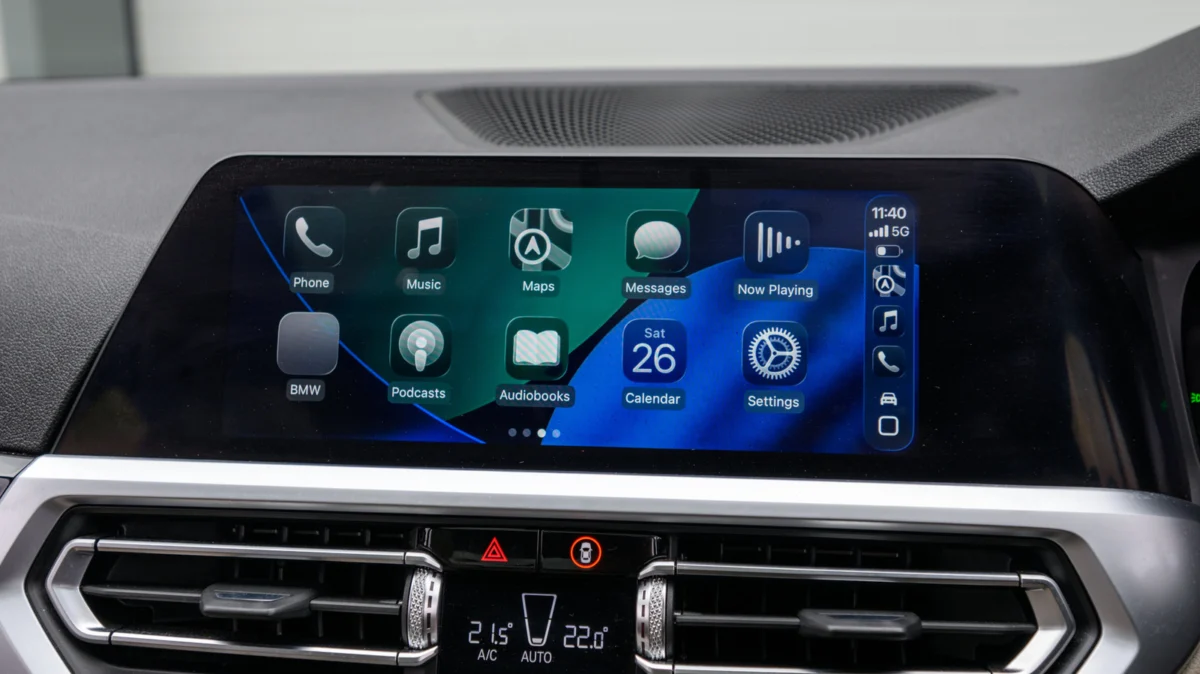
For millions of drivers, Apple CarPlay has become an essential companion for the daily commute, offering a seamless interface for navigation, music streaming, and hands-free communication. Yet, despite the ubiquity of the platform, a significant friction point remains: the tether. Many vehicles currently on the road require a physical Lightning or USB-C cable connection to initialize the CarPlay interface. While wired connections offer rock-solid stability and simultaneous charging, they lack the convenience of true wireless integration.
Fortunately, the aftermarket has responded with a simple solution: the wireless CarPlay adapter. These compact "plug-and-play" dongles act as a bridge, tricking your vehicle’s infotainment system into believing your iPhone is physically connected while handling the data transfer over Wi-Fi and Bluetooth. However, navigating the crowded marketplace of these devices requires more than just picking the cheapest option. Choosing the wrong hardware can result in sluggish performance, dropped connections, and frustrating compatibility issues.
The Core Facts: How Wireless Adapters Function
At its most fundamental level, a wireless CarPlay adapter is a bridge. Your car’s infotainment system was designed to communicate via a USB protocol. When you plug in an adapter, it initializes that USB connection, but instead of routing data through a wire to your phone, it creates a local Wi-Fi hotspot and a Bluetooth handshake.
When you enter your vehicle, the adapter automatically detects your iPhone via Bluetooth, instructs the phone to switch to its Wi-Fi network, and then transmits the CarPlay data stream wirelessly. This process effectively offloads the work of a physical cable to a wireless protocol.
Why the Shift Matters
The primary benefit is the "frictionless entry." You can leave your phone in your pocket, purse, or a wireless charging pad without needing to fumble with cables every time you start the engine. This is particularly beneficial for short trips—like dropping kids off at school or running to the grocery store—where the act of plugging and unplugging a cable becomes a chore.
A Chronological Evolution: From Wired to Wireless
To understand why so many cars require cables, one must look at the timeline of automotive technology.
- 2014: The Dawn of CarPlay: Apple introduced CarPlay at the Geneva Motor Show. At the time, the technology relied exclusively on a wired connection. This was a deliberate choice by automotive manufacturers to ensure high-fidelity audio and zero-latency video streaming, which was difficult to guarantee with the wireless standards of the mid-2010s.
- 2015–2018: The Wired Era: During this period, the vast majority of automakers implemented wired-only CarPlay. Hardware integration was slow, and infotainment systems lacked the processing power to manage high-speed wireless data handshakes without significant heat buildup or lag.
- 2019–Present: The Wireless Shift: While newer luxury vehicles began offering native wireless CarPlay around 2019, the average car on the road remains "wired-only." This created a massive market opportunity for third-party manufacturers, leading to the explosion of the adapter market we see today.
Technical Specifications: What to Look For
Not all adapters are created equal. When shopping, the difference between a seamless experience and a headache often comes down to internal hardware specifications.

1. Wi-Fi Standards (5GHz is Non-Negotiable)
Older adapters often relied on 2.4GHz Wi-Fi, which is notorious for interference. Because cars are often surrounded by other signals (other cars’ Bluetooth, cellular signals, and home Wi-Fi near your driveway), 2.4GHz connections frequently drop or stutter. Look for adapters that explicitly state support for 5GHz Wi-Fi. This frequency provides a cleaner, faster lane for your data, significantly reducing lag.
2. Bluetooth Versioning
Bluetooth 5.0 or higher is the current gold standard. It ensures that the initial "handshake" between your car and your phone happens in a matter of seconds rather than waiting for a slow discovery process.
3. Firmware Updateability
This is perhaps the most critical factor. iOS undergoes significant updates annually. A "static" adapter—one that cannot be updated—might work perfectly today but become a paperweight after an iOS update in September. Ensure the product you purchase has a dedicated companion app or a web-based portal that allows for Over-the-Air (OTA) firmware updates.
Implications of Ownership: The Real-World Experience
Compatibility Pitfalls
It is a common misconception that an adapter works with any car. You must remember that these devices are strictly for vehicles that already possess wired CarPlay. If your car lacks CarPlay entirely, you cannot simply plug an adapter into a USB port and expect magic to happen. For vehicles without factory CarPlay, the only solution is an aftermarket head-unit replacement or a dedicated portable CarPlay screen.
Port Considerations
Automotive manufacturers have transitioned from USB-A to USB-C ports over the last few years. Before purchasing, verify the input port on your console. While you can use a USB-A to USB-C converter, it is always better to buy an adapter that matches your port natively to minimize connection points, which can introduce physical stability issues.
The Hidden Costs
While most adapters retail between $30 and $80, consider the "hidden" cost of reliability. A cheaper, unbranded adapter from an unknown marketplace seller may save you $20 upfront, but it often lacks the robust heat management needed for long drives. Overheating is the silent killer of these dongles, causing them to shut down or restart mid-trip. Investing in a reputable brand with a history of software support is usually worth the premium.
Expert Insights: Addressing Common Pain Points
Why does my audio lag?
If you notice a half-second delay when you press "pause" or skip a track, it is usually a result of the wireless encoding process. While modern adapters have minimized this to near-zero, some latency is inherent to the wireless standard. If you are a high-fidelity audiophile, you may find that a wired connection still provides a cleaner signal, though for most users, the difference is negligible.
How do I handle multiple drivers?
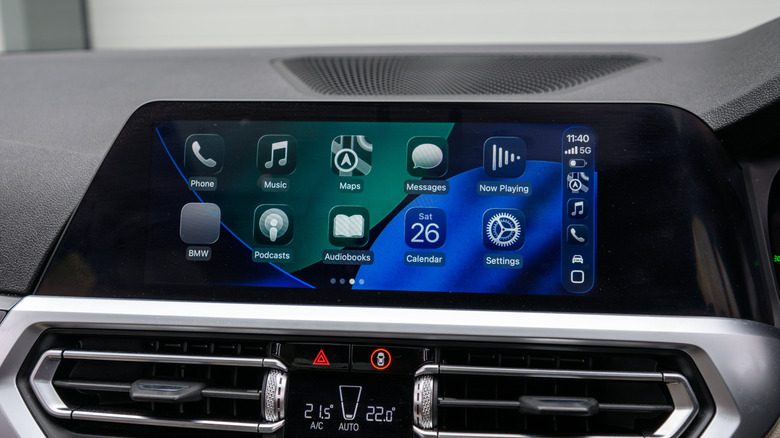
If you share a vehicle with a partner or family member, look for "Multi-Device Pairing" support. Many adapters can store profiles for multiple phones and will automatically connect to the last used device. However, ensure the adapter allows you to switch devices easily if two people are in the car, as some cheaper models "lock" onto the first phone they find and refuse to release it.
Steering Wheel Controls and Siri
A common concern is whether the adapter will "break" your car’s built-in controls. A well-engineered adapter is designed to act as a transparent pass-through. This means your steering wheel volume buttons, track skipping, and the "Hey Siri" voice command function should continue to work exactly as they did when you were plugged in via cable. If these functions stop working, it is almost certainly a sign of poor firmware optimization, and you should check for an update immediately.
Conclusion: Is the Upgrade Worth It?
The transition to wireless CarPlay is a quality-of-life upgrade that is difficult to overstate. For the daily commuter, the ability to sit down and have your music, navigation, and messages appear on your dash without touching a cable is a major improvement.
However, the "right" way to do this is with caution. Do not buy the first device you see on an ad-heavy social media post. Verify your car’s compatibility, ensure the adapter supports 5GHz Wi-Fi, and confirm that the manufacturer provides consistent firmware updates. By following these guidelines, you can effectively modernize an older vehicle’s infotainment system, bridging the gap between your car’s hardware and the cutting-edge convenience of modern wireless connectivity.
Remember, in the world of automotive tech, patience during the research phase will save you hours of troubleshooting on the road. Check your forums, read the user reviews regarding iOS compatibility, and prepare to enjoy a truly wireless driving experience.
