
Troubleshooting Your Smart Assistant: A Comprehensive Guide to Improving Voice Recognition
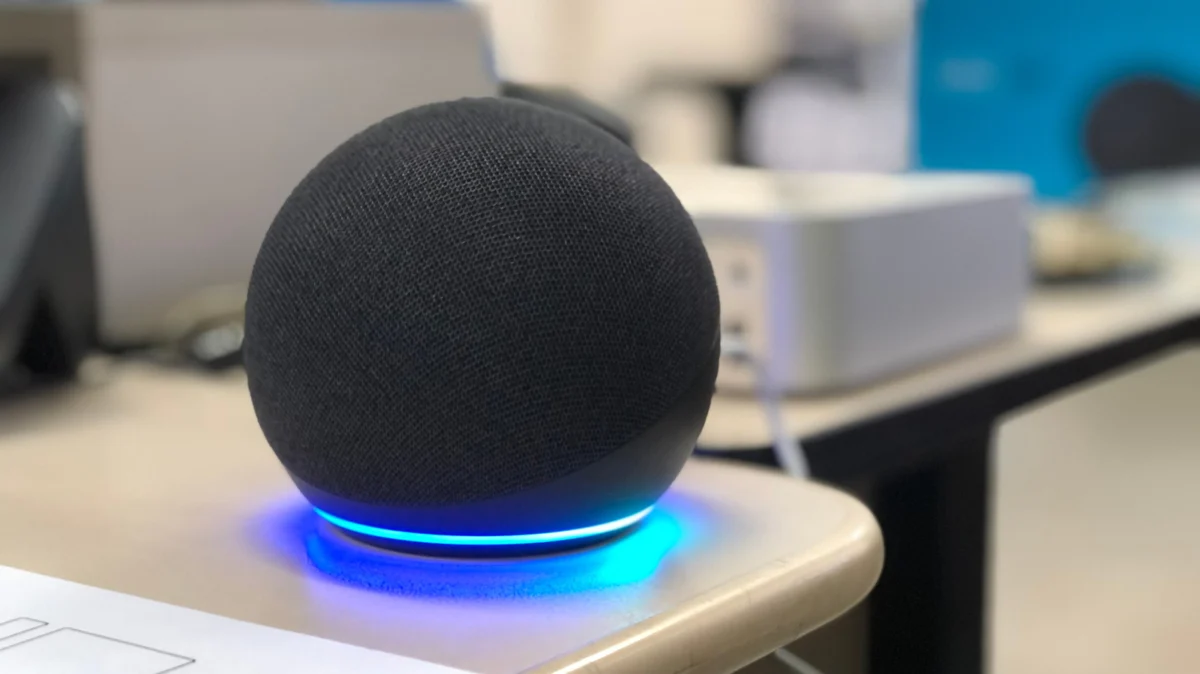
Smart speakers have become the central nervous systems of the modern home. From managing calendars and streaming music to controlling complex lighting arrays and security systems, devices like the Amazon Echo, Google Nest, and Apple HomePod have fundamentally altered how we interact with our living spaces. Yet, despite rapid advancements in Natural Language Processing (NLP) and machine learning, the "perfect" interaction remains elusive. There is perhaps nothing more frustrating in the smart home experience than issuing a clear command, only to have the device respond with, "I’m sorry, I didn’t catch that," or worse, executing the wrong request entirely.
While the convenience of voice control is undeniable, the underlying technology is susceptible to a variety of environmental and configuration-based hurdles. Improving the reliability of your smart speaker isn’t just about shouting louder; it requires a nuanced understanding of how these devices perceive the world.
The Science of Misunderstanding: Why Speakers Fail
At the core of a smart speaker’s operation is the wake-word detection engine, followed by a cloud-based speech recognition system. When you speak, the device’s microphone array captures raw audio, filters out static, and sends the digitized signal to a server to be parsed. This process can be interrupted by a "perfect storm" of variables.
Environmental Interference
The most common culprits for poor performance are environmental. Echoes (reverberation), high-frequency ambient noise from household appliances, or even the physical placement of the device can cause "acoustic shadowing." If a speaker is pushed into a corner or placed directly against a wall, the microphone array’s ability to pinpoint the origin of your voice is severely compromised.
Logical and Configuration Conflicts
Beyond the physical, there are software-side bottlenecks. Many households suffer from "device sprawl"—having too many speakers in close proximity. When multiple devices hear the same trigger word, the cloud infrastructure attempts to determine which unit should respond. If the "winning" device is in another room or further away, the response will be delayed, inaccurate, or nonexistent. Furthermore, if your smart home ecosystem is cluttered with non-unique or confusingly named devices (e.g., having two lights both named "Bedroom Light"), the assistant will inevitably struggle to discern your intent.
Universal Methods for Optimization
Before diving into complex settings, users should employ a series of "hygiene" checks to ensure the hardware is operating at peak capacity.
Physical Maintenance and Placement
- Cleaning the Hardware: Over time, the mesh or plastic covering of a smart speaker’s microphone array can accumulate dust, lint, or debris. A gentle wipe with a dry, microfiber cloth can significantly improve the signal-to-noise ratio of the incoming audio.
- Strategic Positioning: Avoid placing speakers near sources of constant white noise, such as HVAC vents, oscillating fans, or heavy-duty kitchen appliances. Ideally, a smart speaker should be placed at least 12 inches away from walls to prevent sound waves from reflecting back into the microphones and creating artificial echoes.
- The "One-Foot" Rule: Maintain a clear line of sight where possible. While these devices are designed for far-field voice recognition, they function best when not obscured by clutter, books, or decorative objects.
Managing Device Overlap
If you have a large home with several units, you must manage their sensitivity. If your app allows, reduce the "Wake Word Sensitivity" on devices that frequently trigger accidentally. Additionally, for Amazon Echo users, assigning different wake words—such as "Computer" or "Echo" instead of "Alexa"—can prevent a device in the kitchen from responding to a command meant for the unit in the living room.
Logical Labeling
Review your smart home app’s device list. Use specific, distinct names for every appliance. Instead of "Lamp," use "Reading Lamp" or "Desk Light." Ensure that every room is correctly labeled within the ecosystem; this allows the assistant to contextually understand commands like "Turn off the lights" as referring only to the room where the speaker is currently located.
Deep-Dive Configuration: The "Voice Match" Revolution
If physical adjustments do not solve the problem, the solution likely lies in personalizing the voice profile. This is the most effective way to ensure high accuracy for multiple household members.
Amazon Alexa: Configuring Voice ID
Alexa’s Voice ID system learns the specific pitch, tone, and cadence of your voice. To set this up:
- Open the Alexa App.
- Navigate to More > Settings > Account Management > Your Profile.
- Select Voice ID and follow the prompts. You will be asked to read a series of phrases aloud. This trains the cloud to recognize your specific linguistic patterns, making the device much less likely to trigger for someone else or misinterpret your intent.
Google Home: Enabling Voice Match
Google’s ecosystem relies heavily on "Voice Match" to differentiate between users and provide personalized responses.
- Open the Google Home App.
- Go to Settings > Google Assistant > Voice Match.
- Follow the instructions to record your voice. Once enabled, up to six people can have their own distinct profiles, ensuring that when you ask, "What’s on my calendar?" it reads your events, not your partner’s.
Apple HomePod: Siri Personalization
Apple’s approach is deeply integrated into the iOS privacy framework.
- In the Home App, tap the More (…) icon to access Home Settings.
- Select your user profile and toggle on Recognize My Voice.
- To ensure global accuracy across devices, navigate to your iPhone’s main Settings > iCloud > See All > Siri and ensure it is toggled on. This syncs your voice profile across all linked devices, ensuring a seamless handoff between your phone and your HomePod.
Troubleshooting Logic: The "Last Resort" Protocol
If persistent issues plague a specific device, it may be suffering from a corrupted cache or a firmware "hiccup."
- The Power Cycle: This is the IT equivalent of a "hard reset." Unplug the device entirely and leave it disconnected for at least 60 seconds. This clears the temporary memory buffers and forces the device to re-establish a fresh handshake with your local Wi-Fi network upon reboot.
- Factory Reset: If the device remains unresponsive or continues to misinterpret basic commands, a factory reset is the final option. This will wipe all custom configurations and return the unit to its "out-of-box" state. You will need to re-link it to your Wi-Fi and re-configure your rooms, but this process often eliminates deep-seated software conflicts that simple settings changes cannot reach.
Implications for the Future of Home Automation
The necessity of these troubleshooting steps highlights a critical phase in the evolution of consumer AI. We are currently in a "hybrid era" where the software is highly capable, but the hardware interface remains sensitive to the chaotic reality of a human home.
As we move forward, manufacturers are increasingly looking toward "Edge AI"—processing voice commands locally on the device rather than in the cloud. This shift promises to reduce latency and improve recognition, as the device will be tuned specifically to the acoustic profile of the room it occupies rather than relying on generalized models. Until then, the onus remains on the user to curate their smart home environment, ensuring that these digital assistants have the clarity they need to provide the seamless experience we have come to expect.
By following these protocols, users can transform their smart speakers from temperamental gadgets into truly reliable, helpful members of the household. Consistent maintenance, logical organization, and proper voice-profile training are the pillars upon which a truly intelligent home is built.
